The Audit Trail framework is designed to track all changes made to 21 key objects throughout the system - providing admins with a clear view and history of when an object was created, changed, or deleted, by date and by user.
Note: Audit logging is enabled by default. To disable this feature, go to Logs > Log Settings.
Note: The Audit Trail framework is only available in the Enterprise Edition.
Objects Tracked
Content Items
- Data Model Definition Files
- Discover Reports
- Present Dashboards
- Publish Templates
- Formulate Items
- Illustrate Files
- Tabulate Files
- ML Models
- Folders
Non Content Items
- ML Environments
- Certificates
- Custom Connectors
- Custom Fonts
- Custom Maps
- Data (Semantic) Models
- Data Sources
- Databases
- Email Templates
- Hub Templates
- LLM providers
- Machine Learning Models
- Mobile Devices
- User Profiles
- Roles
- Schedules
- Server Instances
- Share Requests
- Tenants
- Themes
- Users
- Webhooks
- Custom Workflows
Accessing the Audit Trail
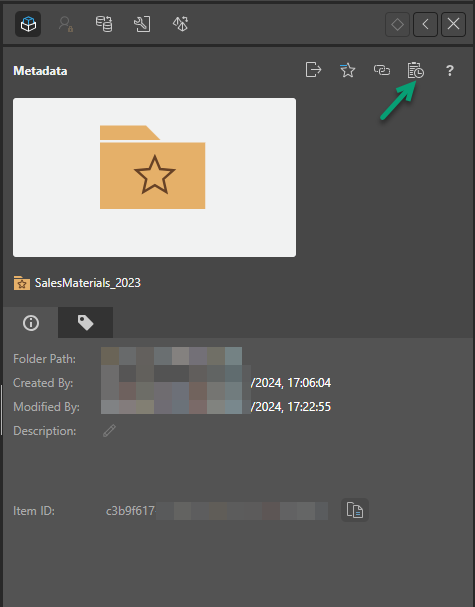
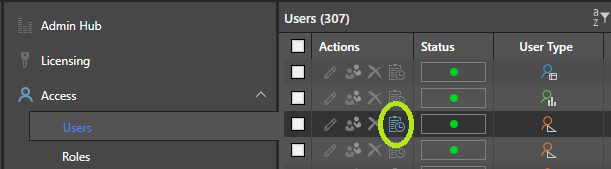
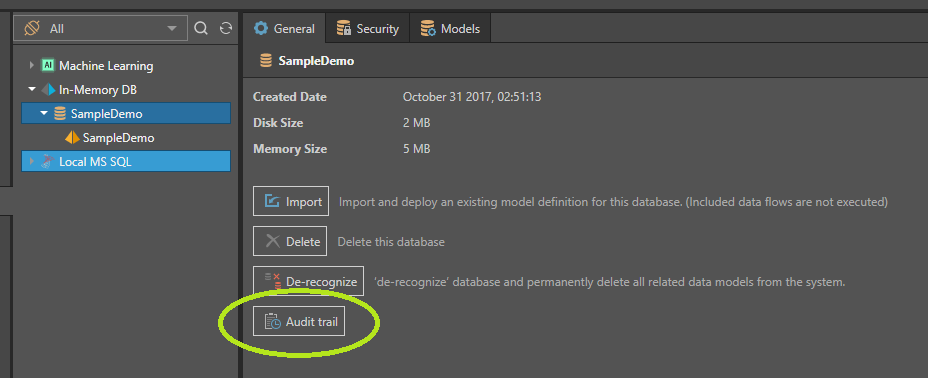
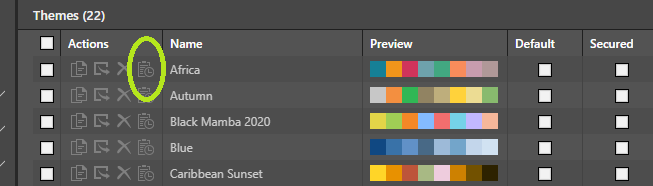
Unlike other logging mechanisms, Audit Trail logging adds View buttons throughout the application. You can use these buttons to view operations on an object from the page used to manage that object. This includes content items, with the View button appearing within the Content Manager and Explorer.
 Examples of Audit Trail buttons used throughout the application
In the Content Manager, from each item's action panel:
In the admin console across the various object lists:
In the Data Source Manager:
In the Theme Manager:
Deleted Items Log
Separately, a Deleted Items log is provided for viewing all items that have been removed from the system, including content items.